I Rebuilt My Editor from Scratch: Fabric.js vs HTML Drag & Drop
Every product starts with speed.
And every serious product eventually runs into its limits.
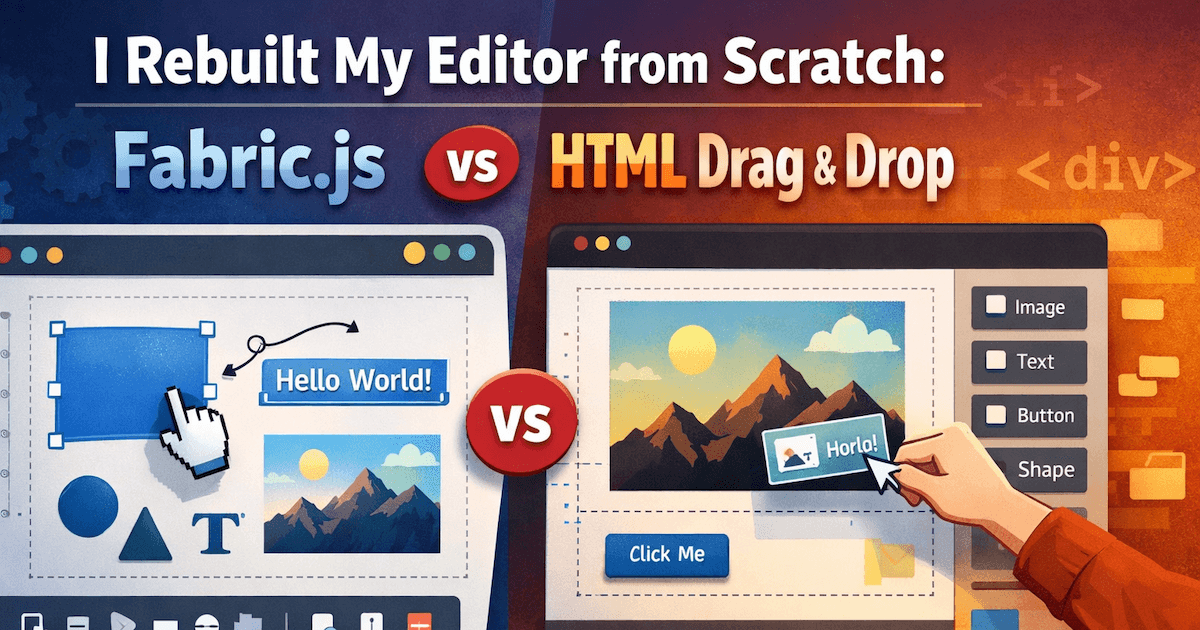
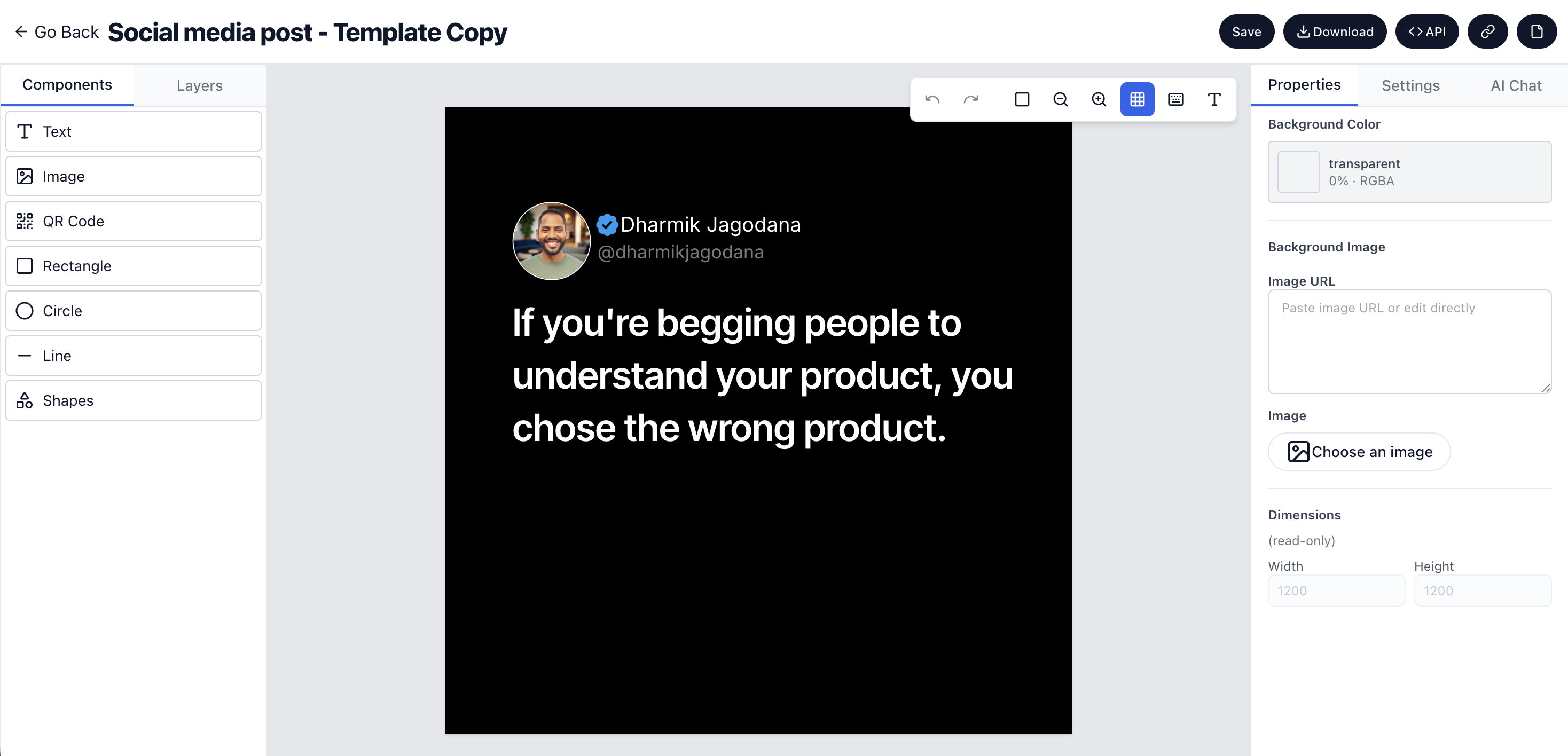
This is the story of how I rebuilt the entire Imejis.io editor—moving away from Fabric.js and rebuilding everything using a pure HTML drag-and-drop architecture.
Not because Fabric.js is bad. But because it stopped me from scaling the product.
If you’re building a design editor, image automation tool, or anything with dynamic text and images—this post might save you months.
Why i used fabricjs initiallyWhy I Used Fabric.js Initially
When I started building Imejis.io, my goal was simple:
Ship something usable as fast as possible.
Fabric.js was a logical choice:
- Canvas-based rendering
- Easy object manipulation
- Quick prototypes
- A working editor without heavy upfront decisions
It helped me validate the idea quickly.
And early on—it worked.
When fabricjs became a bottleneckWhen Fabric.js Became a Bottleneck
Problems didn’t show up immediately.
They appeared when:
- Real users started designing real templates
- Dynamic content became core to the product
- Automation and APIs entered the picture
That’s when limitations surfaced.
Fabricjs limitation 1 complex text handlingFabric.js Limitation #1: Complex Text Handling
Text was central to my product.
Dynamic text. Auto-updating text. API-driven variables.
Fabric.js struggled here.
Issues I faced:
- Multi-line text behaved inconsistently
- Line height and alignment were unpredictable
- Auto-resizing text containers was fragile
- Small text changes broke layouts
Text logic became a web of hacks.
Fabricjs limitation 2 auto resize and dynamic contentFabric.js Limitation #2: Auto-Resize and Dynamic Content
Imejis.io generates images dynamically from APIs.
That means:
- Text length constantly changes
- Numbers grow and shrink
- Content is unpredictable
With Fabric.js:
- Measuring text accurately was unreliable
- Containers didn’t resize consistently
- Overflow handling felt like guesswork
Canvas-based editors are not designed for dynamic content at scale.
Fabricjs limitation 3 custom fonts were painfulFabric.js Limitation #3: Custom Fonts Were Painful
Custom fonts are non-negotiable for design tools.
Reality with Fabric.js:
- Fonts loaded after canvas render
- Text appeared before fonts were ready
- Layouts silently broke
- Cross-device rendering was inconsistent
Debugging font-related issues was extremely time-consuming.
Fabricjs limitation 4 image resize and croppingFabric.js Limitation #4: Image Resize and Cropping
Image handling should be simple.
With Fabric.js:
- Aspect ratio logic became complex
- Cropping math piled up
- High-resolution images impacted performance
- Predictable resizing was hard to guarantee
Every image interaction required manual canvas calculations.
Fabricjs limitation 5 debugging and maintainabilityFabric.js Limitation #5: Debugging and Maintainability
Canvas has no real DOM.
That means:
- Browser DevTools offer limited help
- State lives inside Fabric internals
- Visual bugs are hard to reproduce
- Fixing one issue often introduces another
At some point, I wasn’t building features anymore.
I was fighting the editor.
The question that forced the rewriteThe Question That Forced the Rewrite
One night, while debugging a text issue that shouldn’t exist, I asked myself:
“If I were starting this product today, would I still choose Fabric.js?”
The answer was clear.
No.
And once you know that, rebuilding becomes inevitable.
The migration from fabricjs to html drag and dropThe Migration: From Fabric.js to HTML Drag-and-Drop
I made the hard decision to rebuild the editor from scratch.
Not refactor. Not patch. Rebuild.
The new approach:
- Pure HTML
- Real DOM elements
- Drag-and-drop interactions
- CSS-driven layout and resizing
This meant deleting months of work.
But it also meant clarity.
What changed after moving to htmlWhat Changed After Moving to HTML
The difference was immediate.
Text became reliableText Became Reliable
- Native browser text rendering
- Predictable wrapping and alignment
- Auto-resize worked naturally
- Custom fonts loaded correctly
Image handling became simpleImage Handling Became Simple
- CSS handled resizing
- Aspect ratios stayed intact
- Cropping logic simplified
- Performance improved
Debugging became possible againDebugging Became Possible Again
- Real DOM nodes
- Full access to DevTools
- Visual bugs were traceable
Drag and drop felt naturalDrag-and-Drop Felt Natural
- No canvas simulation
- Predictable layer ordering
- Cleaner interaction logic
The editor stopped feeling fragile.
It started feeling stable.
The invisible work users never seeThe Invisible Work Users Never See
This rebuild wasn’t flashy.
There was no announcement. No launch post. No sudden growth spike.
Just weeks of:
- Rewriting rendering logic
- Rebuilding selection systems
- Handling edge cases
- Fixing bugs users would never notice
Most users didn’t know what changed.
They just felt fewer issues.
That’s how you know the rebuild worked.
Lessons learned from rebuilding the editorLessons Learned from Rebuilding the Editor
Hard-earned lessons from this migration:
- Fabric.js is great for prototypes
- Canvas helps you move fast early
- DOM-based editors scale better
- Rewrites are not failures
- Foundations matter more than features
Short-term speed feels good.
Long-term architecture builds real products.
Was the rewrite worth itWas the Rewrite Worth It?
Absolutely.
This rebuild marked a turning point.
Imejis.io stopped being fragile. The editor stopped being scary to touch. Building started feeling calm again.
And that’s when I knew:
Rewriting wasn’t a setback.
It was a commitment to the product.
Final thoughtsFinal Thoughts
If you’re building:
- A design editor
- An image automation platform
- A template-based product
- Anything with dynamic text and images
Ask yourself this early:
“Will this architecture still work a year from now?”
That question saved my product.